Marcus & Byte Studios · September 24, 2026 · About 5 minutes
An AI chatbot can feel like a friendly helper. A child might tell it their name, describe their school day or upload a photo without realizing that the information has left their hands. The best first lesson isn’t “be afraid of AI.” It’s a simple pause before sharing.
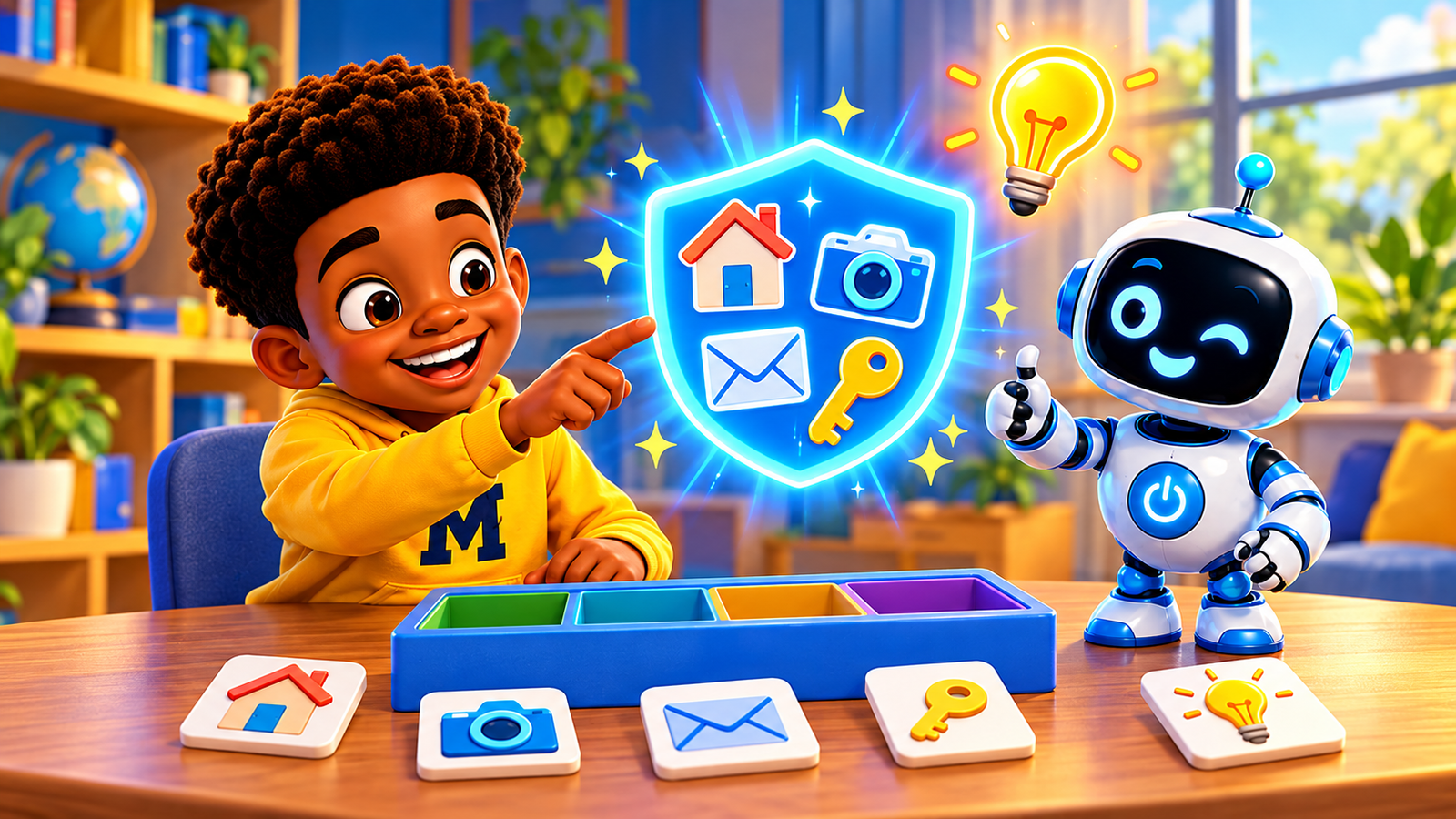
Seven things to keep private
A first name in a story may seem harmless, but a full name with an exact birthday can identify a child. Make up a character name instead.
Never type an address or share a location pin. For a weather or travel question, a parent can decide whether a broad area is enough.
Skip the school name, classroom, bus stop, practice schedule and where a child will be at a certain time. Several small clues can add up.
A chatbot never needs a password, recovery code or one-time code to help with homework. Keep these secret even if a message sounds urgent.
Don’t share a child’s contact details—or a parent’s—just to get an answer, a picture or a game idea.
Ask before uploading faces, uniforms, name tags, documents or recordings. Background details can reveal more than a child intended.
Medical details, money matters, family disagreements and other people’s secrets are not for a chatbot. A trusted adult can help find appropriate support.
Try “Stop, Think, Check” together
Make it a two-minute game. Say, “I want an AI tool to write a story about my school.” Ask your child to spot what to leave out. Then try a safer version: “Write a story about an imaginary school on the moon.” Repeat with a pretend pet, birthday party or soccer team. The goal is to keep the fun while removing real-world clues.
- Stop: Pause before you type, upload or speak.
- Think: Does this tell someone who I am, where I am or how to reach me?
- Check: Ask a trusted grown-up if you’re not sure.
If your child already shared something
Stay calm and thank them for telling you. Find out exactly what was shared and with which service. If possible, delete the chat or upload and review the service’s privacy controls; deletion may not remove every copy. If a password or code was shared, change it promptly and secure the account. If an address, contact detail or sensitive image was involved, use the service’s reporting and support options and decide whether further help is needed. Avoid blaming your child: the lesson you want them to remember is that they can always come to you.
For younger children, explore AI together on a parent-approved service. Check the service’s age requirements and privacy settings before use. A friendly-looking interface is not a substitute for adult supervision.
Keep the conversation going
Read our Parent’s Guide to AI Safety and explore the free family guide. One small conversation today makes the next question easier to ask.